Platform notifications keep staff informed about sensitive IAM and operational events. Your inbox is private to your platform account.
Overview
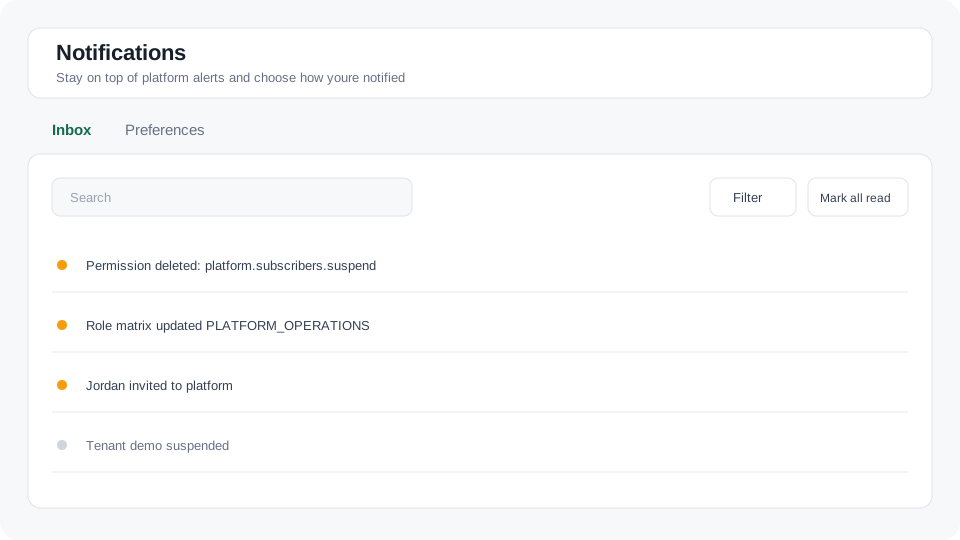
Figure: The notification inbox with filters, unread status, and preferences.
Review your inbox
- Go to Compliance → Notifications.
- Search by notification title or body.
- Open Filter to show unread items, an event type, or a date range.
- Select a row to mark it as read and open its related platform resource when available.
- Use Mark all as read to clear all unread notifications.
Choose notification channels
Open Preferences. Search, sort by event name, or page through event types, then use the Inbox and Email switches. Adjust the toggles, then press Save. Use Discard to undo unsaved changes. Turning off Inbox does not turn off Email, and turning off Email does not remove existing inbox entries.
Notification bell
The header bell shows recent notifications and an unread badge. Its Logs tab shows recent audit events when you have platform.audit.read. Use View all notifications or View all logs to open the complete list.