Audit logs provide a history of platform administration actions. Use them to investigate who changed a resource, when it happened, and what data changed.
Overview
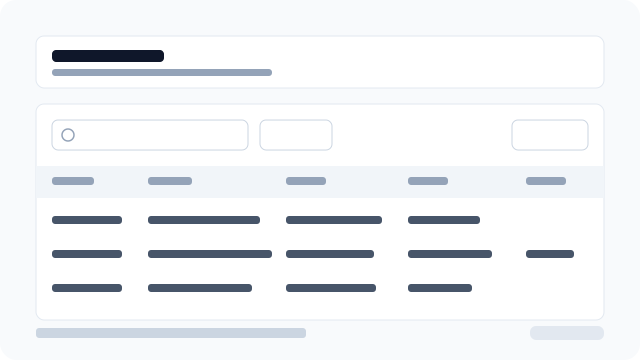
Figure: The audit list with search, filters, export, and event detail.
Find an event
- Go to Compliance → Audit.
- Search by event, actor, or entity.
- Open Filter to narrow results by event type, actor ID, entity type, tenant, or date.
- Enable Platform only to show events that are not scoped to a tenant.
- Click a row to open Event detail.
Understand event detail
The detail panel shows the actor (photo, name, email), the entity as a functional label (Location name, order number, role name — not a UUID), tenant, timestamp, network context, and correlation ID when available. Changes and Metadata contain the full JSON payload returned for the event.
An unknown actor means the account was removed or no name/email could be resolved. The UI never uses a raw actor or entity UUID as the title.
Export
Use Export to copy or download the rows visible on the current page as Excel, CSV, or PDF. This export is for operational review; it is not a bulk SIEM export.
Access control
The platform.audit.read effective permission is required to see the Audit navigation item, list events, export the current page, and open event details.
Deleting is a permanent hard delete with no undo and no new audit row. Only platform.audit.delete shows checkboxes, Delete selected, and Delete. PLATFORM_ADMIN receives all platform permissions by default, including delete. SUPPORT and OPERATIONS keep read-only access unless an admin grants delete on a custom role.