The Platform admin console is for IVPrior operators — not business owners.
Screen overview
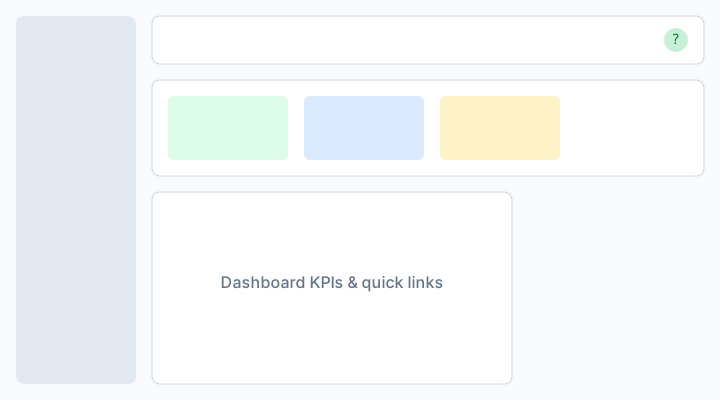
Figure: Platform admin — overview, tenants, and cross-tenant orders.
Areas
/platform— Ops home (Platform ops home): SaaS plan revenue, trials, suspended tenants./platform/analytics— Sales analytics (S-018): GMV KPIs, trends, filters in UTC, recent orders./platform/subscribers— Search subscribers, impersonate for support./platform/orders— Cross-tenant order visibility.
Analytics metrics (GMV)
On Analytics, money metrics follow the same eligibility as tenant reports:
- Revenue — sum of order totals for Completed + Paid orders in the filter (UTC dates).
- Orders — all orders in the period (any status/payment).
- Average ticket — Revenue ÷ completed + paid order count.
- Active tenants — distinct tenants with at least one completed + paid order in the period.
Charts include sales trend, revenue by tenant, category / order type / payment mix, top tenants, top products, and recent orders.
Plan revenue on the ops home is SaaS MRR — do not confuse it with Analytics GMV.
Steps
- Sign in at
/platform/login. - Use Dashboard for subscription health; open Analytics for GMV and trends.
- On Analytics, use Filter to scope by tenant, location, or order attributes (dates in UTC).
- Use header tabs or sidebar for Subscribers and Orders.
- Open a subscriber and use Overview for plan/status, usage, and recent orders.
- Use Locations and Users to search, filter, sort, and page through tenant-scoped records. Location rows show the configured logo when available.
- Open Entitlements for effective limits and usage. With billing manage, set or clear overrides (
max_locations/max_users) with a required reason. - In Orders, search or filter the cross-tenant list (including Courier for DELIVERY) and use Actions → View details.
- Review the order in a single scroll view: identity (tenant/location logos), Customer and Courier (avatar + name, or Unassigned / —), customer receipt (View / Print), line items with photos, and the monetary summary. Use Impersonate only when an operational change is required.
- Impersonate only when supporting an owner (audit trail applies).
Entitlements and overrides
Platform staff with billing or tenants read can see resolved plan limits for a tenant. Staff with platform.billing.update (or delete) can upsert overrides (reason required) or clear a key so the plan value applies again. Keys in MVP: max_locations, max_users.