Platform Permissions is the catalog of named capabilities that can be assigned to roles or directly to platform users. Every permission has a stable code that guards use to enforce access.
Overview
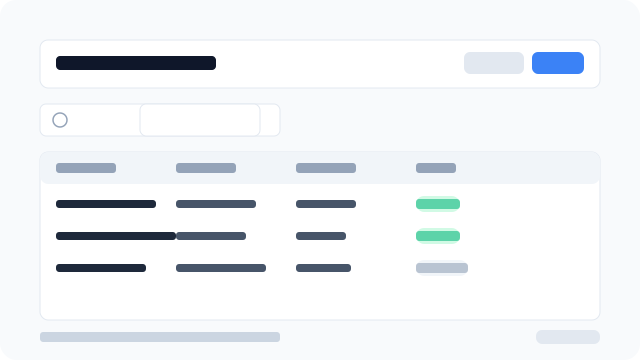
Figure: The Permissions list showing code, name, resource, action, status, and row actions.
Key concepts
Code
Stable identifier generated as platform.<resource>.<action> (for example platform.subscribers.suspend). Shown in the list; not editable in the form, because guards reference it directly.
Resource
The platform entity the permission applies to — for example tenants, orders.
Action
The operation allowed — for example read, manage, impersonate.
Status
- Active — enforced by guards; users with this permission get the access it describes.
- Inactive — ignored by guards, even if it is still assigned to a role or user. Use this to retire a capability without deleting its history.
Add a permission
- Go to Access → Permissions in the sidebar.
- Click Add permission.
- Choose a Resource and one or more Actions. Each Action creates one permission with code
platform.<resource>.<action>. - Enter a Name when you select a single Action (required). With multiple Actions, Name is optional — each permission is named
action resource, oryour label (action)if you fill Name. - Optionally add a Description and set Status to Active.
- Click Save.
Edit a permission
- In the permissions table, click the ⋮ menu on a row.
- Select Edit.
- Update Resource, Action (single), Name, Description, or Status. The Code stays the same after creation.
- Click Save.
Delete a permission
- Click ⋮ → Delete on the target row (or select several rows and use Delete selected).
- Confirm the deletion.
If the permission is assigned to roles or users you will see a notice — remove all assignments before deleting.
Export
Use the Export button to download the current list as CSV, Excel, or PDF, or copy it to the clipboard.
Access control
Only platform users with platform.permissions.read or a permissions mutation (create / update / delete) can view this page.
Only users with a mutation permission can create, edit, or delete permissions.