Settings (/app/settings) is the hub for your subscriber workspace — the B2C account where you run the scanner, manage collaborators, and control branding. Open cards here instead of hunting through the sidebar.
Screen overview
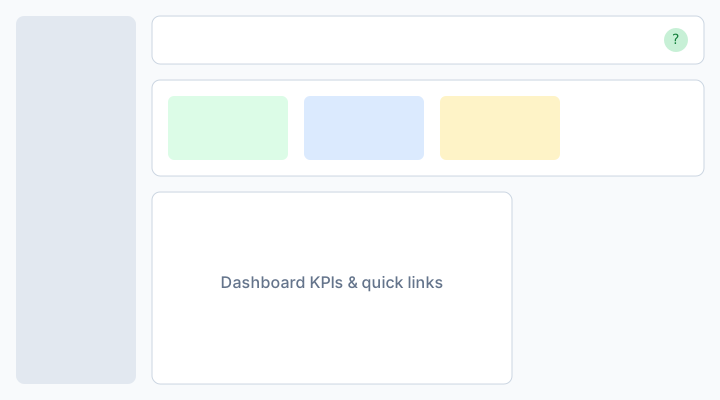
Figure: Settings hub — shortcuts to branding, users, billing, and audit.
Common cards
Branding
Logo, favicon, and brand colors for your workspace shell and emails. See Subscriber branding.
Access
Invite collaborators and manage roles when your Plan includes extra seats.
Billing
IVPrior subscription, trial status, and plan upgrades. See IVPrior subscription.
Sessions & profile
- Active sessions — sign out devices you no longer trust
- My profile — your name, photo, and password
Notifications & audit
- Subscriber notifications — inbox and email preferences
- Subscriber audit logs — who changed what in this workspace
How to use
- Open Settings in the subscriber sidebar.
- Pick the card for the task (branding, users, billing, etc.).
- Save each form before leaving — unsaved changes may prompt for confirmation.
Permissions
Owners and admins can edit most workspace settings. Collaborators see read-only banners when their role lacks write access. Scanner entitlements come from your Plan, not from this hub.
See also: Subscriber branding · Invite staff · Scanner hub.