Notifications (/app/notifications) keeps each workspace member informed about scanner jobs, billing, access changes, and other events they are allowed to see. Your inbox is private — you never see another person’s alerts.
Screen overview
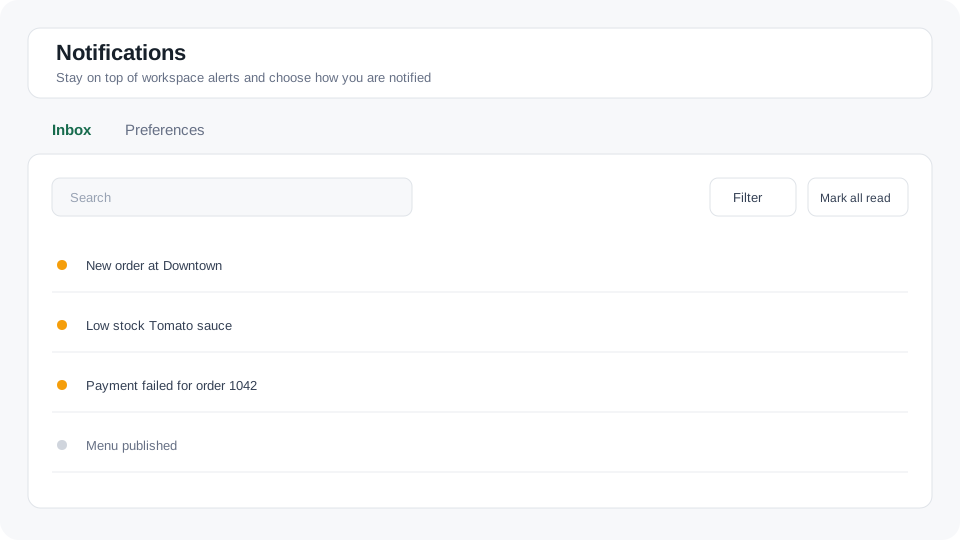
Figure: Inbox with search, filters, unread rows, and a Preferences tab.
What each column means
Title
Short summary of the event (for example “Scan completed”). The optional body adds context such as a ticker or plan name. The row stays unread until you open it or use Mark all as read.
Type
The catalog event shown as words (Scan Completed, Plan Upgraded). Types map to domain events — they are not free-text labels.
When
When the alert was created (fan-out time), not when you opened it.
Status
Unread means readAt is empty. Opening a row or Mark all as read sets readAt. Unread count also appears on the header bell.
Preferences tab
Per event type, choose Inbox and/or Email. Scanner and billing events may default to inbox on; security login bursts may default off.
How to use
- Open Notifications from the sidebar or header bell.
- Filter unread vs all; search by title.
- Open a row for detail and deep links (billing, scanner, users).
- Switch to Preferences to mute categories you do not need.
Permissions
Any signed-in workspace member can manage their own notifications. You cannot read another user’s inbox.
See also: Subscriber settings hub · Platform notifications (staff only).