The platform marketing landing (/) is for retail traders evaluating IVPrior — a research tool that surfaces and ranks options opportunities using signals, IV (Implied Volatility / volatilidad implícita) regime, and liquidity context. Use it to start a 14-day trial, compare plans, or sign in if you already have an account.
Screen overview
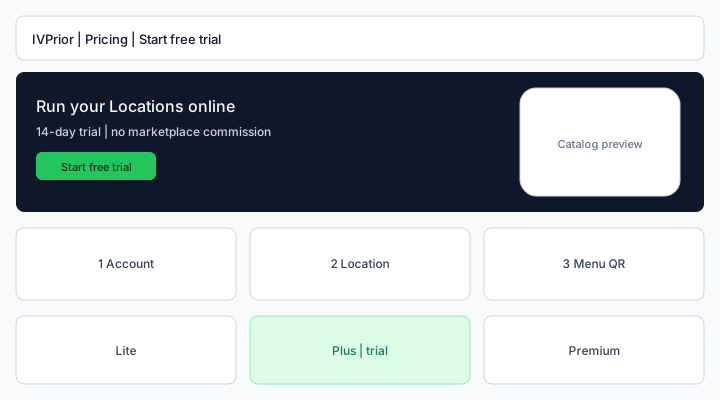
Figure: / — hero with opportunity preview, three setup steps, product rows (Signals, IV regime, Opportunities), in-page plan cards, and research-tool CTA.
What each part means
Hero — research tool, not financial advice
The headline explains that IVPrior helps you scan and prioritize tickers and investment opportunities — it does not place trades or guarantee returns.
- Start free trial opens Owner sign-up (
/signup) and creates your subscriber account. - See pricing scrolls to
#pricingon the same page. The header Pricing link does the same on/.
14-day trial
The trial is the SaaS evaluation window after signup. The clock starts when your account exists — not when you merely open /.
- You do not pay an IVPrior subscription during the trial (no card required to start).
- Plan features follow the card you pick at signup; billing is not charged until the trial ends.
How it works (three steps)
- Create your account — subscriber login and workspace at
/s/{slug}. - Build your watchlist — tickers you follow daily (CLI today; SaaS watchlist slices coming).
- Review opportunities — a ranked list with signal, IV/HV context, and liquidity filters.
Product rows
- Signals — directional technical readings (not broker orders).
- IV regime — whether implied volatility looks rich or cheap vs historical volatility.
- Opportunities — filtered ticker + signal + context rows from
--oportunidades/ future SaaS views.
#pricing plan cards
Same cards as Public pricing plans. Each Get started / Start free trial goes to /signup?plan=…&interval=…. Full FAQ and Enterprise copy live on /pricing.
Research tool section
After pricing, a final CTA reminds you that IVPrior is a research and prioritization product. Use the CLI (apps/cli) for daily scans today; the web app will expose the same workflows in SaaS slices.
Header
On / the header shows Pricing (#pricing), Sign in (/platform/login for staff or subscriber login per route), Start free trial, contextual Help, and locale.
Steps
- Open
/and read the offer (options scanner + 14-day trial). - Compare plans under Pricing on the same page, or open
/pricing. - Click Start free trial to sign up.
- After signup, sign in and configure your watchlist (CLI or upcoming SaaS UI).
- Read What is IVPrior? for product vocabulary (IV, HV, DTE, OI).
See also: What is IVPrior? · Owner sign-up · Public pricing plans · IVPrior subscription.